otf2psf: create your own TTY fonts!
2026-06-01
tl;dr: In 2024 I made a tool to convert modern fonts for use on the Linux TTY.
It all started with CAVA, a terminal audio visualization tool.
CAVA worked great on a bare TTY, but when I tried to run it within tmux, it assumed it was in a vterm and rendered some Unicode characters that practically no TTY fonts support. I filed an issue about it, but they took a little while to reply. (Dear CAVA devs, sorry for ghosting you.)
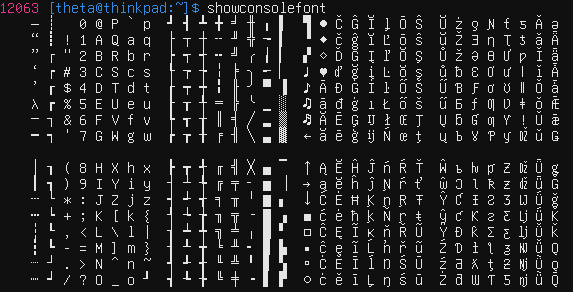
The Linux TTY can't use modern OpenType/TrueType fonts because it is an ancient and deeply broken piece of technology. It uses an old bitmap format called PC Screen Font (PSF), which is capped at 512 chars and doesn't support antialiasing.
I figured if all existing PSF fonts were missing some cool glyphs, I should simply make a better one, but I wanted to start with a modern font instead of hand-modifying an old one.
The existing pipeline to get from OTF/TTF to PSF went through BDF, and it was very janky. But PSF is pretty simple, so I wrote a Rust tool that handles the conversion in a single step. You just specify a font and a Unicode mapping table, and it rasterizes it to PSF for you!
The tool is available on GitLab here.
This was my first time writing a utility to directly stitch together binary files, and I enjoyed the challenge. I had a bit of prior experience dealing with fonts, which helped.
The version of this tool on GitHub has gotten a few stars, so I hope that people have found it useful. I certainly have -- CAVA renders beautifully in the TTY now!
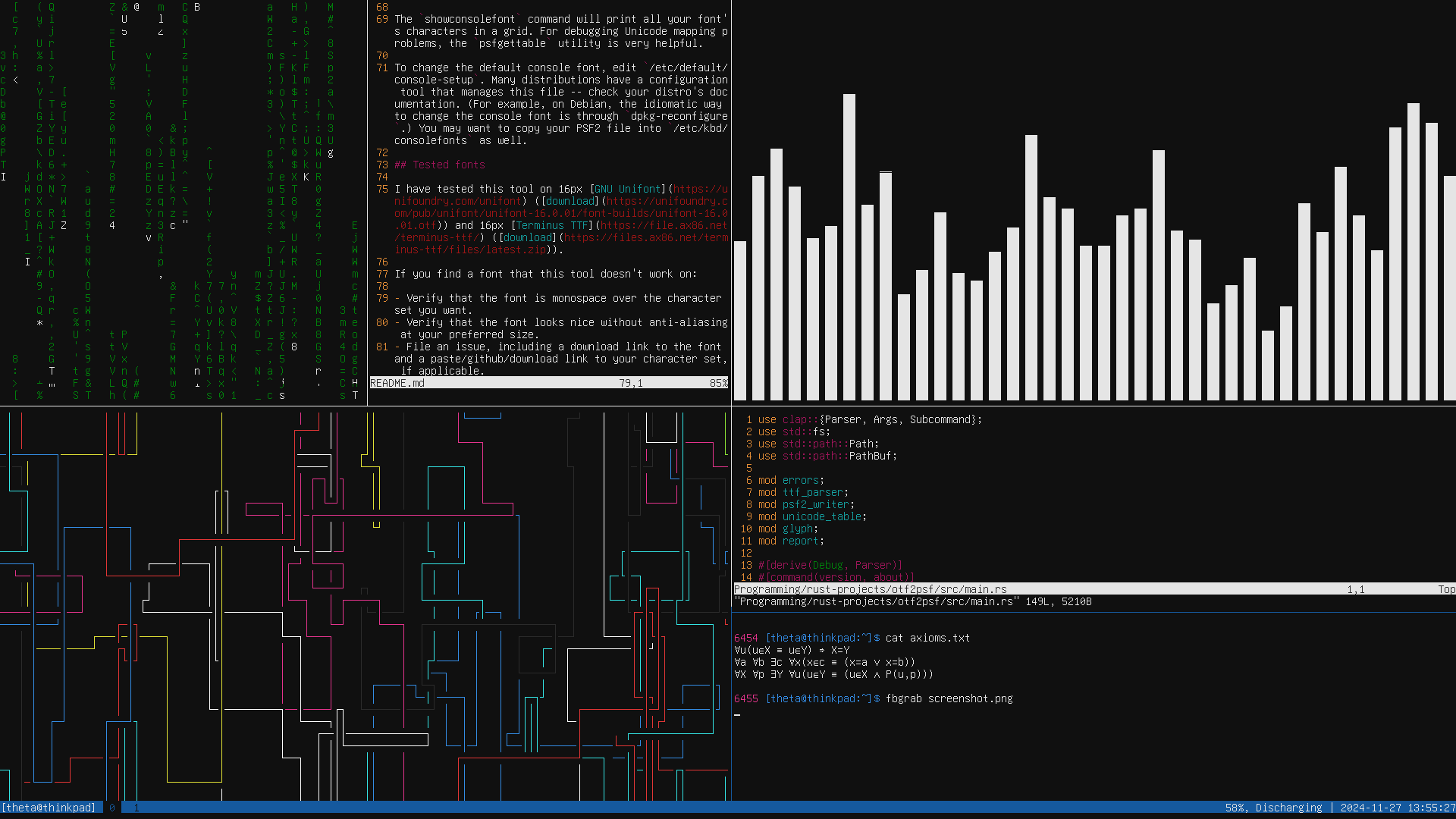
(Font is GNU Unifont, for those wondering.)